How I Built an On-Device Fermentation Chatbot in React Native
How Fermento built its on-device AI assistant with React Native, Apple Foundation Models, Qwen, and Nomic.
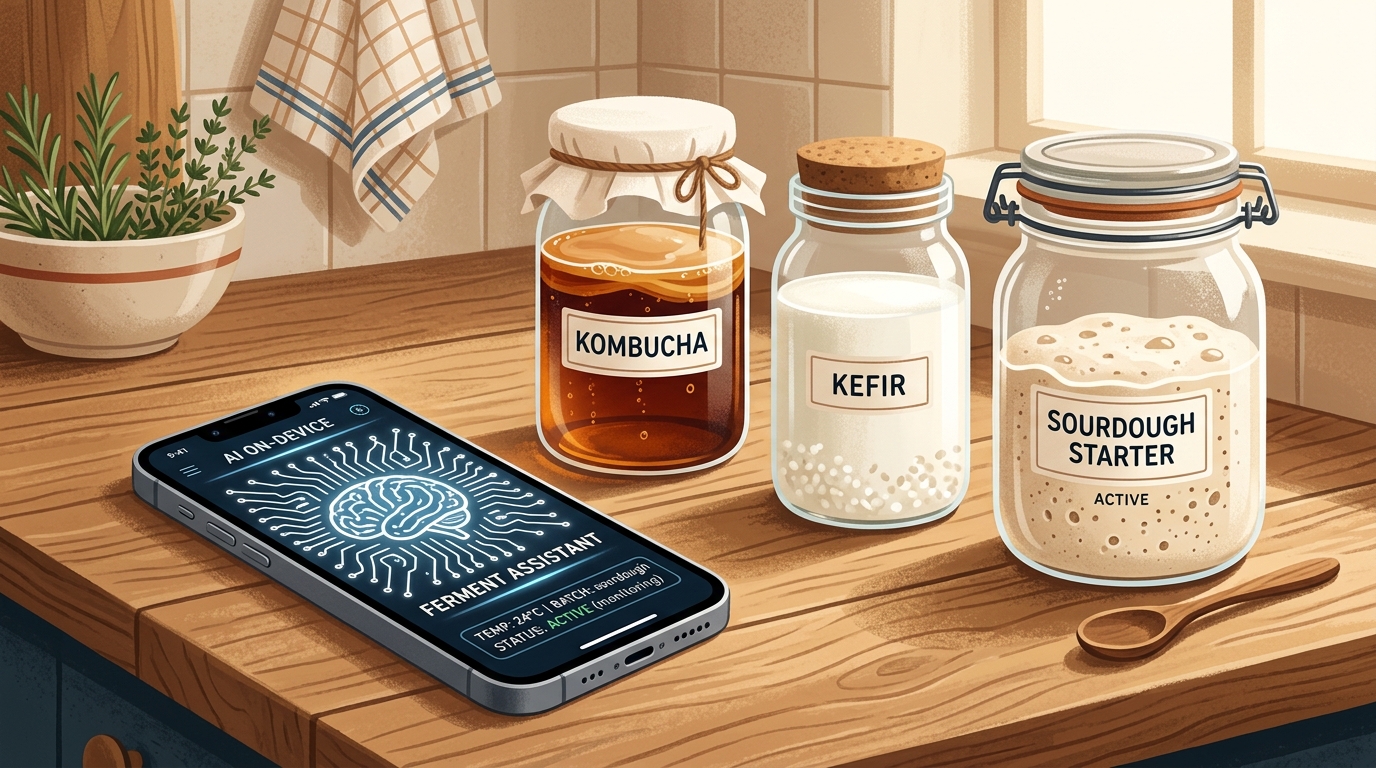
Most AI chatbots in mobile apps follow a familiar pattern. The app collects a question, sends it to a remote model, waits for an answer, and displays the response.
That approach is convenient, but it was not what I wanted for Fermento.
Fermentation is a practical hobby. People use the app in kitchens, garages, gardens, and cellars. Their connection may be poor. Their notes may be personal. And when they ask whether a strange smell, texture, or layer on top of a ferment is normal, a confident but ungrounded answer is worse than no answer.
I wanted the chatbot to work locally, use a curated body of fermentation knowledge, and show which sources supported its answer. I also wanted it to work from one React Native codebase across iOS and Android, even though the two platforms offer very different native AI capabilities.
That led to a two-tier architecture.
Tier 1: zero-download AI on supported iPhones
On iOS 26 and newer devices that support Apple Intelligence, Fermento uses Apple's built-in models.
For chat inference, I created a custom React Native bridge in FoundationModelsModule.swift. It connects the JavaScript application layer to Apple Foundation Models, so the app can use the system's generative model without downloading another LLM.
For embeddings, Fermento uses Apple's NaturalLanguage framework and its NLEmbedding class. It converts passages and questions into vectors entirely on-device. There is no model setup screen and no initial download. The user can open the assistant and start asking questions.
This is the Tier 1 path: native chat plus native embeddings, available immediately.
It gives supported Apple devices the simplest onboarding. But it does not solve the whole cross-platform problem.
The platform gap
Android does not currently offer a reliable, universally available equivalent to Apple Foundation Models that I can treat as a built-in baseline across supported devices.
Older iPhones have the same practical limitation. They may run Fermento, but they cannot use the Apple Intelligence path.
If I designed the chatbot only around the newest Apple APIs, I would have built an iOS feature rather than a React Native product. So Fermento needed a second tier that could bring local chat and retrieval to both Android and older iPhones.
Tier 2: downloadable Qwen and Nomic models
The fallback path is still strictly on-device during normal queries. Fermento downloads GGUF model files from Hugging Face and runs them locally through llama.rn. It does not send routine chat questions to a remote inference API.
The two downloaded models have separate jobs.
Qwen2.5-1.5B-Instruct-GGUF, using the 4-bit q4_k_m quantization, generates chat responses. It is the Tier 2 alternative for Android devices and iPhones without Apple Foundation Models.
nomic-embed-text-v1.5, using the 8-bit q8_0 quantization, creates the embeddings used for retrieval. The model is approximately 146 MB.
On Android and older iPhones, Nomic is required. Without an embedding model, the app cannot search its RAG knowledge base. Qwen could still generate text, but it would have no reliable way to find the Fermento material relevant to the user's question.
On Apple Intelligence devices, Nomic plays a different role. It is an optional quality upgrade.
Apple's NLEmbedding offers a useful zero-download starting point, but it is a static general-purpose embedding system. A model built specifically for text retrieval can produce sharper matches for a specialized fermentation library. Fermento therefore lets the user download Nomic with one tap. The app then reindexes the knowledge base and starts preferring Nomic for search.
The upgrade is reversible. The user can remove the downloaded model and return to NLEmbedding at any time.
That makes the architecture intentionally asymmetric:
- Supported Apple devices can use the chatbot immediately with Apple Foundation Models and
NLEmbedding. - Those devices can optionally install Nomic for stronger retrieval.
- Android and older iPhones download both Qwen and Nomic to get local chat and RAG.
React Native holds the product together, but it does not pretend that both operating systems expose the same capabilities.
The model was only half of the problem
Getting an LLM to run on a phone is the visible part of the work. Building a knowledge base I was willing to trust was harder.
I used NotebookLM during research, but not as an authority. I asked it to return the list of sources it had researched. That list became input for a separate skill I created to evaluate the material.
The skill checks which sources are suitable for the use case, rejects weak or inaccessible material, and removes paywalled research. It then strips the accepted documents down to the minimum useful information for the chatbot.
This matters for two reasons.
First, mobile storage and retrieval work better when the index is not full of repeated introductions, navigation text, promotional copy, and paragraphs unrelated to the question.
Second, more text does not automatically mean more knowledge. A smaller set of focused passages can be easier to retrieve and cite than a large pile of loosely related documents.
The resulting material is chunked, embedded, and stored in the local knowledge base. When a user asks a question, the app embeds the query, finds the closest passages, and gives those passages to the local chat model as context. The answer can then point back to the material it used.
A vector index is like a fermentation pantry organized by meaning rather than alphabetically. A question about an overly sour kombucha ends up near notes about acidity and second fermentation, even when the wording is different. The analogy has a limit: the pantry can find nearby ingredients, but the LLM still has to decide how to combine them into an answer.
Fermento's own articles are part of the knowledge base
The research library is not the only source.
Fermento's website articles are embedded as well. Practical material about kombucha, kefir, oxymel, sourdough, and ways to reuse over-fermented batches becomes searchable context inside the assistant.
This creates a useful loop. An article can explain a topic in depth, while the chatbot can retrieve the relevant part when somebody asks a specific question inside the app. The user does not need to know the title of the article or the exact term used by its author.
The chatbot searches by meaning.
Users can bring their own references
A fixed recipe catalogue will never cover every ferment people make at home.
Someone may add a regional recipe, a family method, or an experimental ferment that does not exist in Fermento's built-in list. In that case, the user can attach custom references. Fermento embeds that material and adds it to the context available for the custom ferment.
The assistant can then use both the general Fermento knowledge base and the user's own reference material.
This does not make the model an infallible fermentation expert. It does give it a better foundation than a generic prompt and a model's internal memory. It also makes the boundary clearer: the response comes from a known local library, a user-provided reference, or both.
What React Native contributed
The project is built in React Native, but the AI layer is not "write once, run identically everywhere."
The shared application handles the experience around the models: conversations, source presentation, model downloads, indexing state, custom references, and the rest of the Fermento product.
Platform-specific code handles the capabilities that really are platform-specific. On supported iPhones, a Swift module connects React Native to Apple Foundation Models. On devices that need downloaded models, llama.rn runs Qwen and Nomic from GGUF files.
That boundary turned out to be more useful than forcing one lowest-common-denominator stack onto every device.
Users with supported Apple hardware get a zero-download path. Users on Android and older iPhones still get an on-device assistant after installing the required models. And users who care about retrieval quality can choose the Nomic upgrade even when Apple's native embeddings are available.
The lesson I am taking from it
The interesting part of local AI is not only whether a small model can produce a fluent answer.
The real product questions are less glamorous:
- What happens on a device without the newest native framework?
- Which model is optional, and which one is required?
- How much does the user need to download?
- Where does the knowledge come from?
- Can the answer show its sources?
- Can a user extend the knowledge base without rebuilding the app?
For Fermento, the answer was not a single model. It was a tiered system: Apple Foundation Models and NLEmbedding for the immediate iOS experience, Qwen and Nomic for the downloadable cross-platform path, and a curated RAG library built from screened research, Fermento articles, and user-provided references.
The chatbot now has a simple job: help people find the right piece of fermentation knowledge at the moment they need it, without treating the cloud as a requirement.
If you make kombucha, kefir, oxymel, sourdough, or your own experiments, try Fermento on the App Store. Track your ferments, explore practical articles, and ask the local assistant when a batch raises a question.